CrepdcM Battery Analyzer
Check your laptop battery in seconds: real health and wear, cycle count, live power draw, runtime estimates, a wear forecast and the right replacement for your exact laptop.
ZIP · 171 KB · Windows 10 & 11 · no installation · no admin rights
What it shows
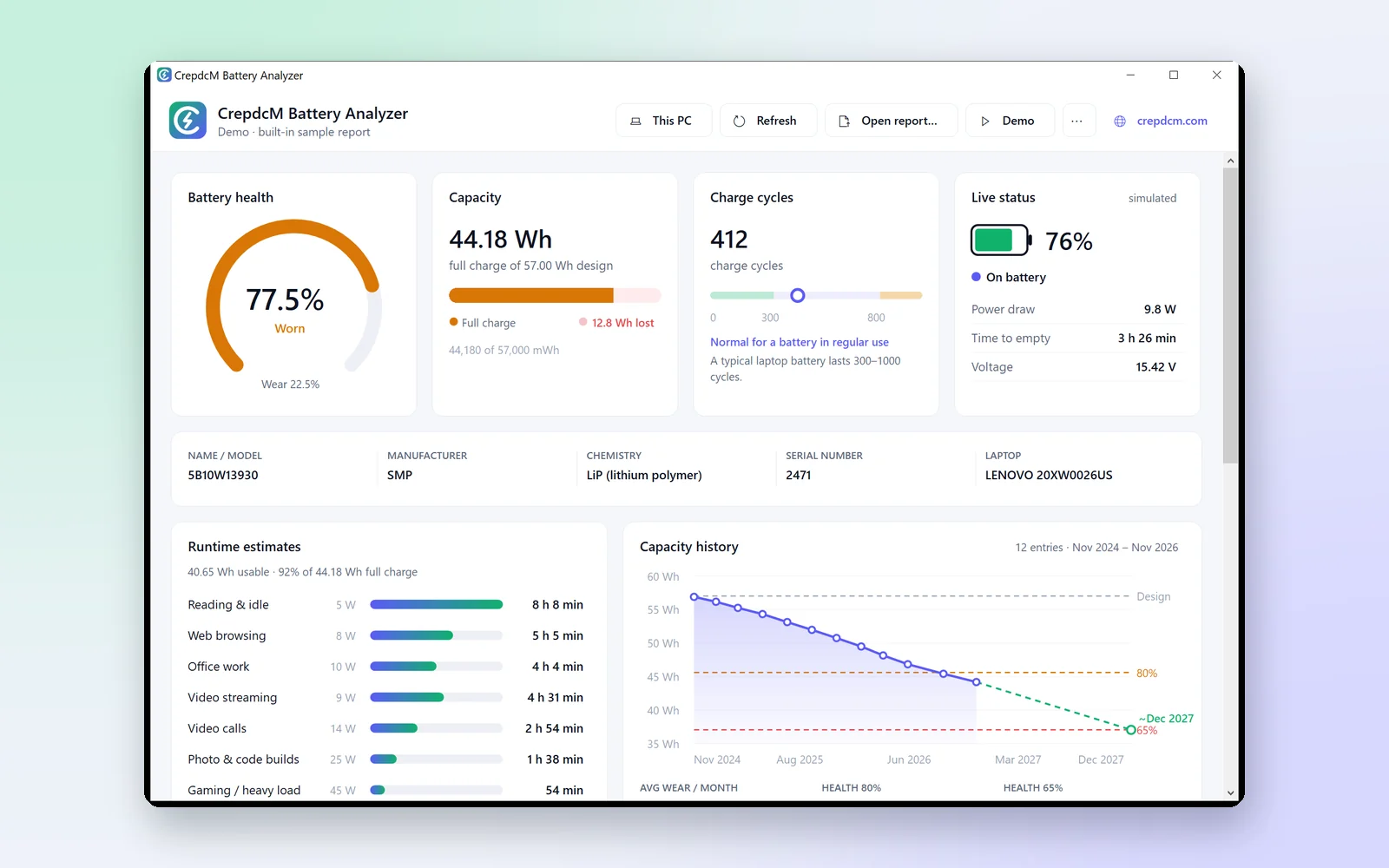
Battery health & wear
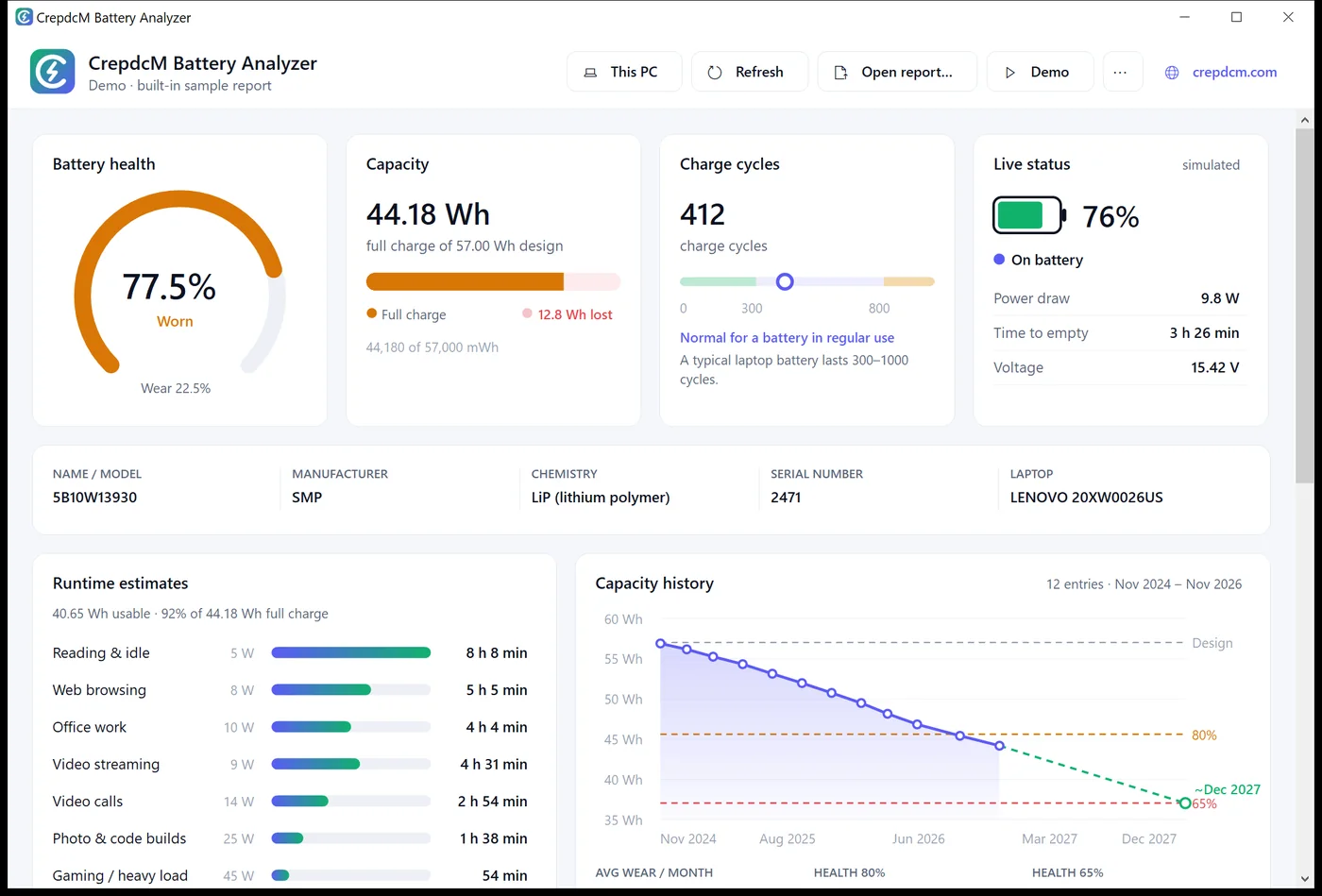
Compares the real full-charge capacity with the design capacity and shows the wear level and a clear status: Excellent, Good, Worn or Replace soon.
Live status
Charge level, charging or discharging, current power draw in watts and time to empty or full — refreshed every few seconds.
Runtime estimates
How long your battery lasts today for reading, browsing, office work, video, calls, creative work and gaming.
Capacity history & forecast
Reads the Windows battery history, ignores bad readings and predicts when health will drop to 80% and 65%.
Battery identity
Part number, manufacturer, chemistry, serial number and your laptop model — exactly what you need to order a replacement.
Replacement finder
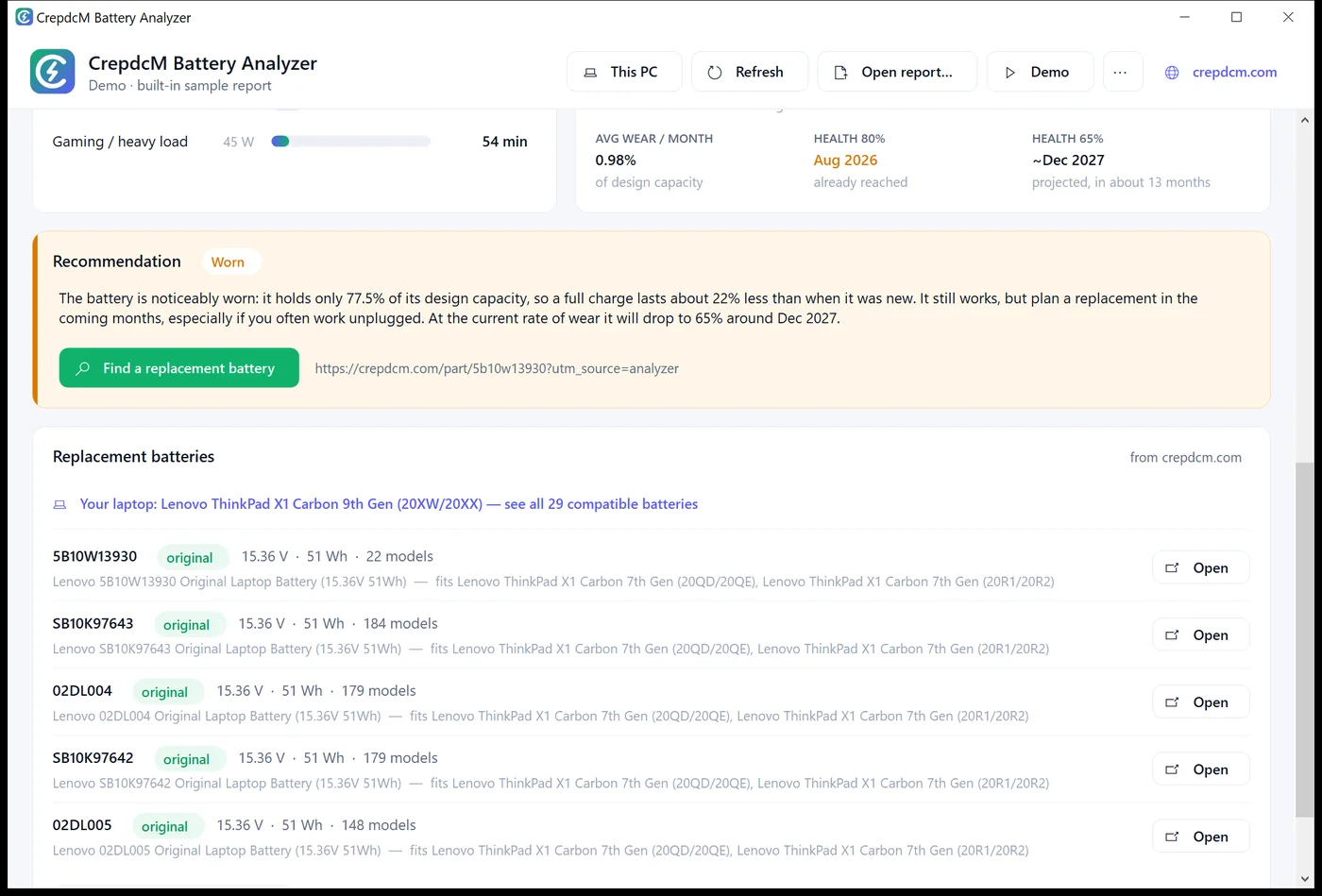
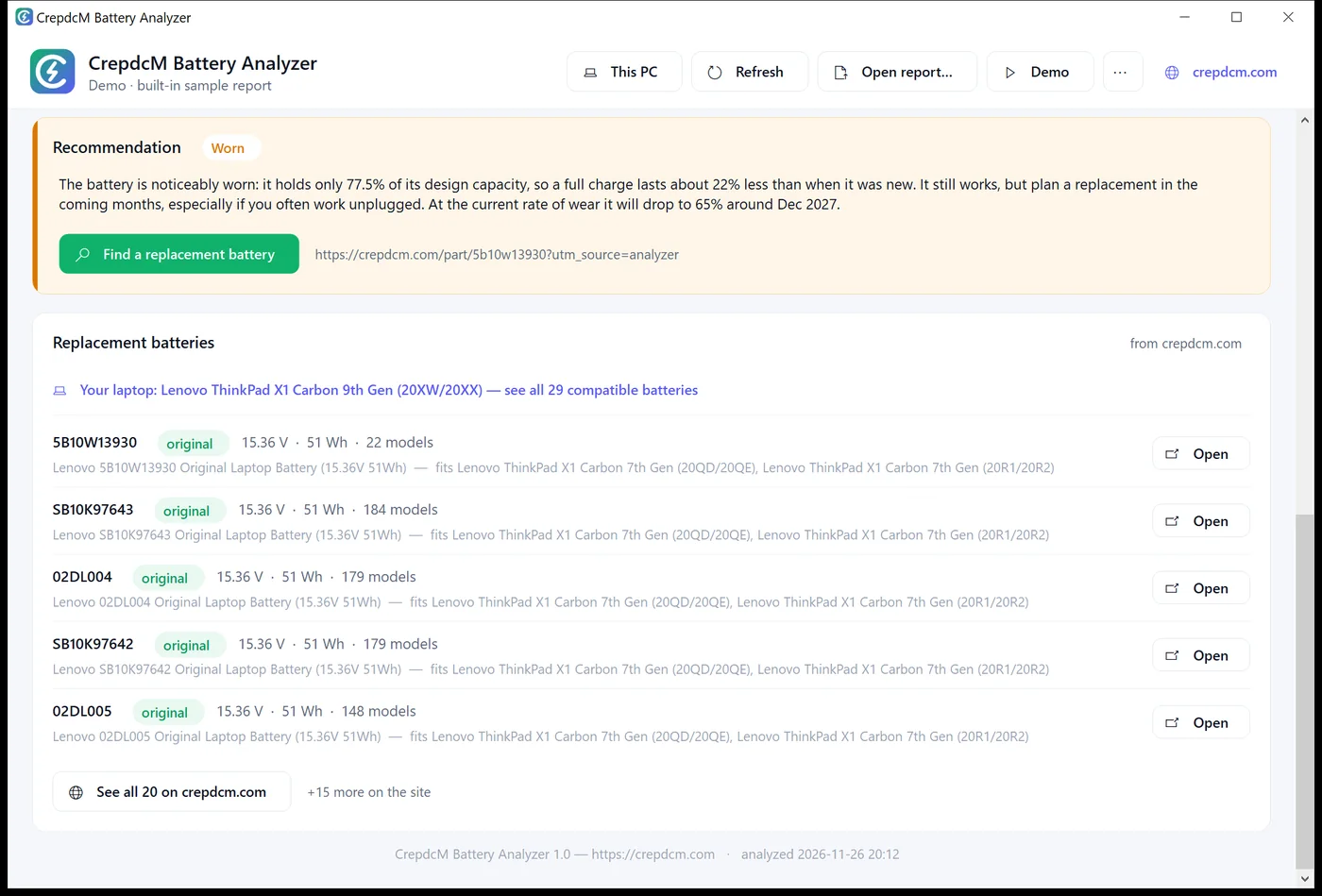
Looks up matching original and compatible batteries for your laptop and part number on crepdcm.com.
Works on desktops too
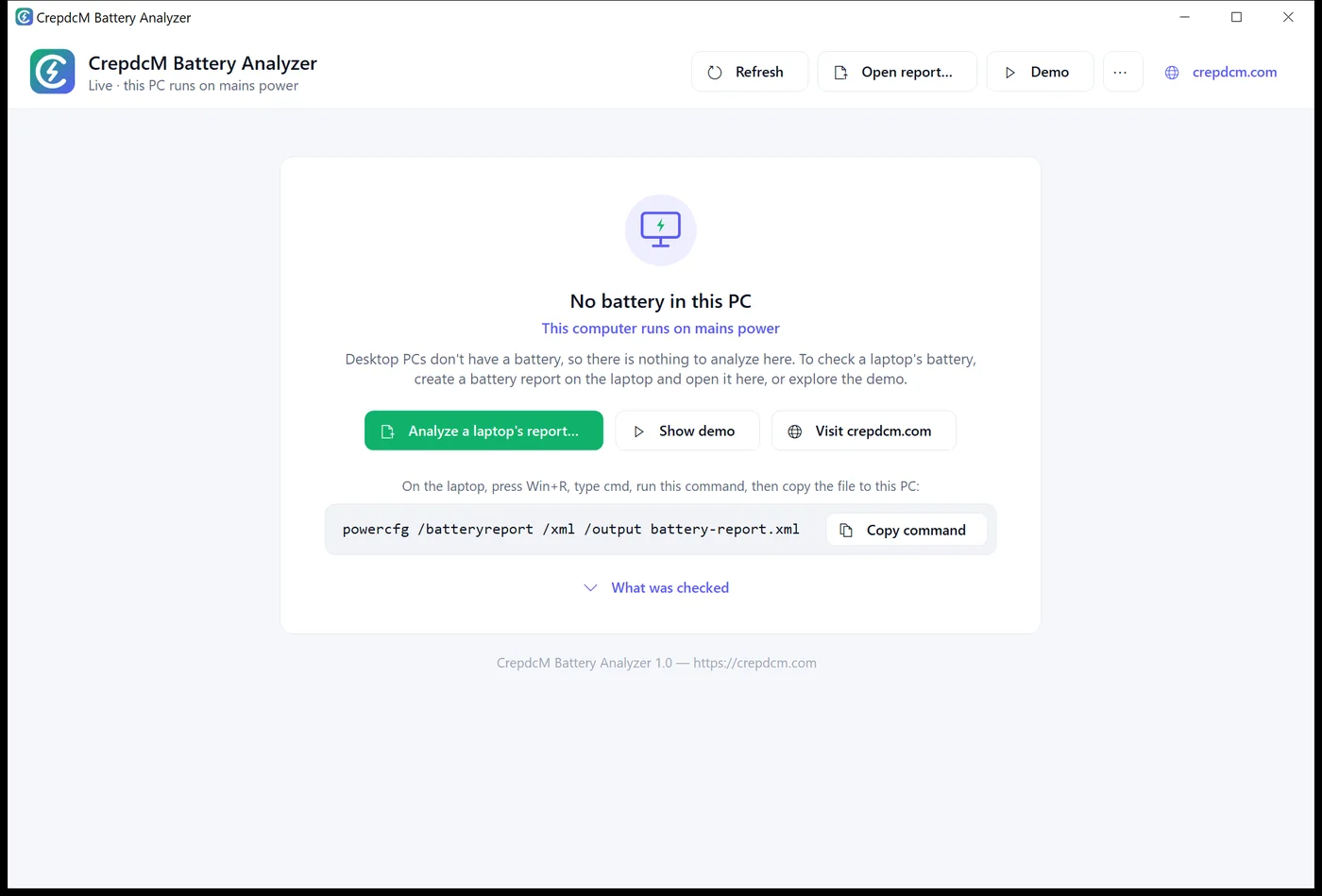
No battery in the PC? Open a battery report created on any laptop and get the same analysis.
Private & portable
No installation, no account, no admin rights. Everything is analysed on your PC; offline mode available.
Screenshots
Download & unzip
Get the ZIP (171 KB) and unzip it anywhere — Desktop or Documents is fine.
Run BatteryAnalyzer.exe
No installer. If SmartScreen appears, click “More info” → “Run anyway”.
Read your results
Health, wear, runtime and the right replacement battery — with a link to its page here.
Privacy & safety
- Reads battery data only from Windows itself (WMI and the built-in powercfg battery report).
- Analysis runs on your PC. Only the battery part number, design capacity and laptop model are sent to crepdcm.com to find replacements; --offline turns that off.
- No installation, no background service, no admin rights, no account.
- Single small executable (280 KB) built on .NET Framework 4.8 that ships with Windows.
Verify your download
Compare the SHA-256 checksum of the ZIP with this value:
fc51ea20e2b49f8da8111bb83740f9503a095e8e0b4ce845e78b933545f3d787
In PowerShell: Get-FileHash .\crepdcm-battery-analyzer-1.0.zip
For power users
BatteryAnalyzerCli.exe is included: console output, --json, --report file.xml, --watch 5, --offline.
Find out how healthy your battery really is
Free · Windows 10 & 11 · 171 KB
Frequently asked questions
Is CrepdcM Battery Analyzer free?
Yes. It is free to download and use, with no account, ads or time limits.
Which Windows versions are supported?
Windows 10 and Windows 11 (64-bit and 32-bit). It uses .NET Framework 4.8, which is already part of Windows, so nothing needs to be installed.
Why does Windows SmartScreen warn about the app?
The app is new and not yet code-signed, so SmartScreen does not know it yet. Click “More info” and then “Run anyway”. You can verify the download with the SHA-256 checksum shown on this page.
What data does the app send?
Battery data is read from Windows (WMI and powercfg) and analysed locally. To suggest replacements it sends only the battery part number, design capacity and laptop model to crepdcm.com. Start it with --offline to turn this off.
My battery shows “cycles not reported”. Why?
Some batteries — many Lenovo and HP models — do not expose a cycle count to Windows. Health and wear are still calculated from the real capacity.
Can I check a laptop battery from a desktop PC?
Yes. On the laptop run “powercfg /batteryreport /xml /output battery-report.xml”, copy the file to your PC and open it with “Open report…”.
Is there a command-line version?
Yes. BatteryAnalyzerCli.exe is included: it prints the same analysis in the console and supports --json, --report, --watch and --offline.