

 Free Windows app · coming to Microsoft Store
CrepdcM Battery Charge Alarm: a battery charge alarm for your laptop at 20%, 80%, 90% or 100%
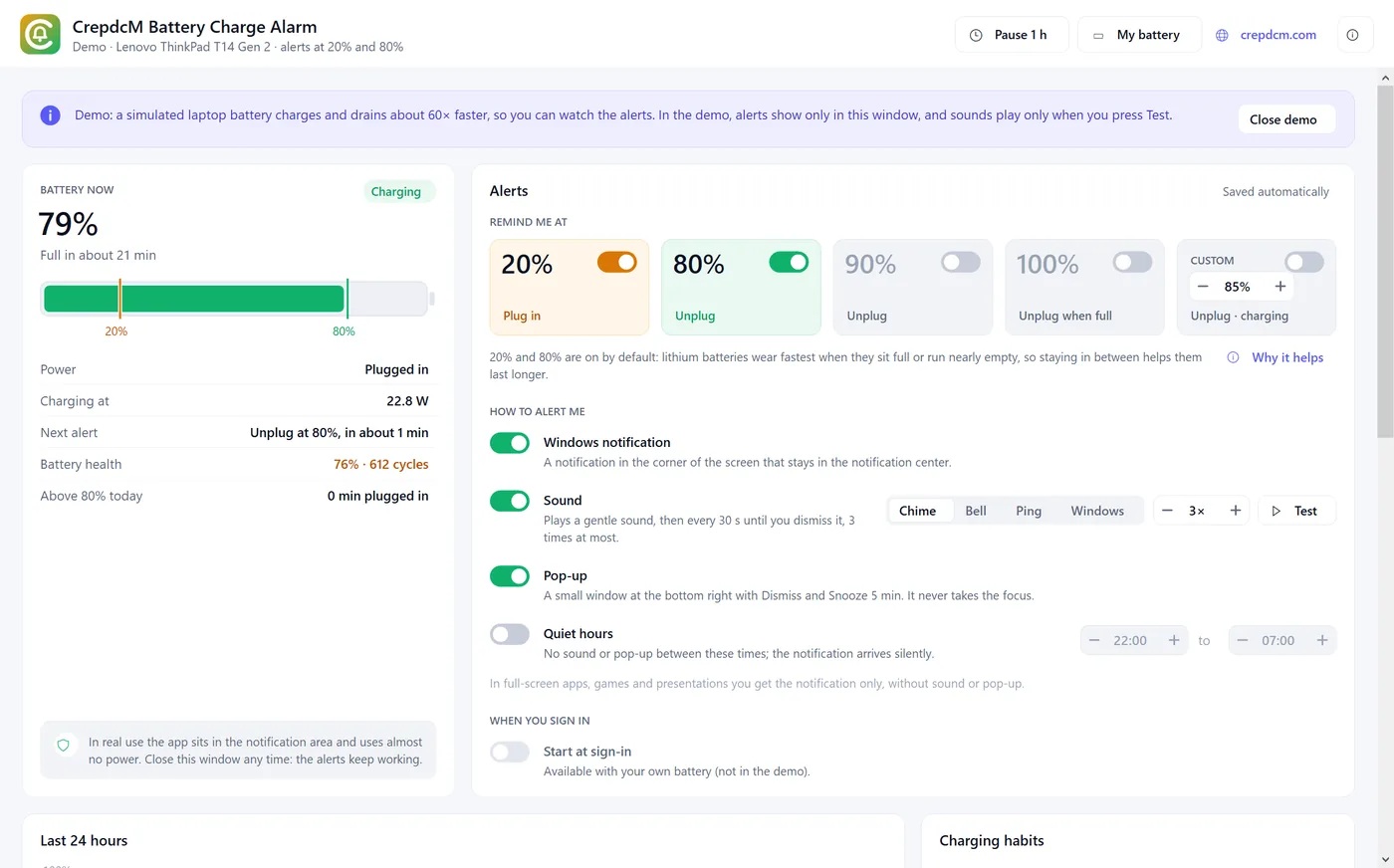
A free Windows app that sits quietly in the notification area and alerts you when your laptop battery reaches the levels you choose: unplug at 80% (or 90%, or when it's full) and plug in at 20%. You get a gentle sound, a Windows notification or a small pop-up, whichever you like. Lithium batteries wear fastest when they sit at 100% on the charger or run nearly empty, so these simple reminders help your battery last longer.
Free · Windows 10 (1903+) and Windows 11 · no account, no ads
What it does
Alerts at 20%, 80%, 90% or 100%
A battery full alarm and 80% / 90% notifications while charging, a low battery alarm at 20%, plus one custom level of your own.
Once per crossing, never nagging
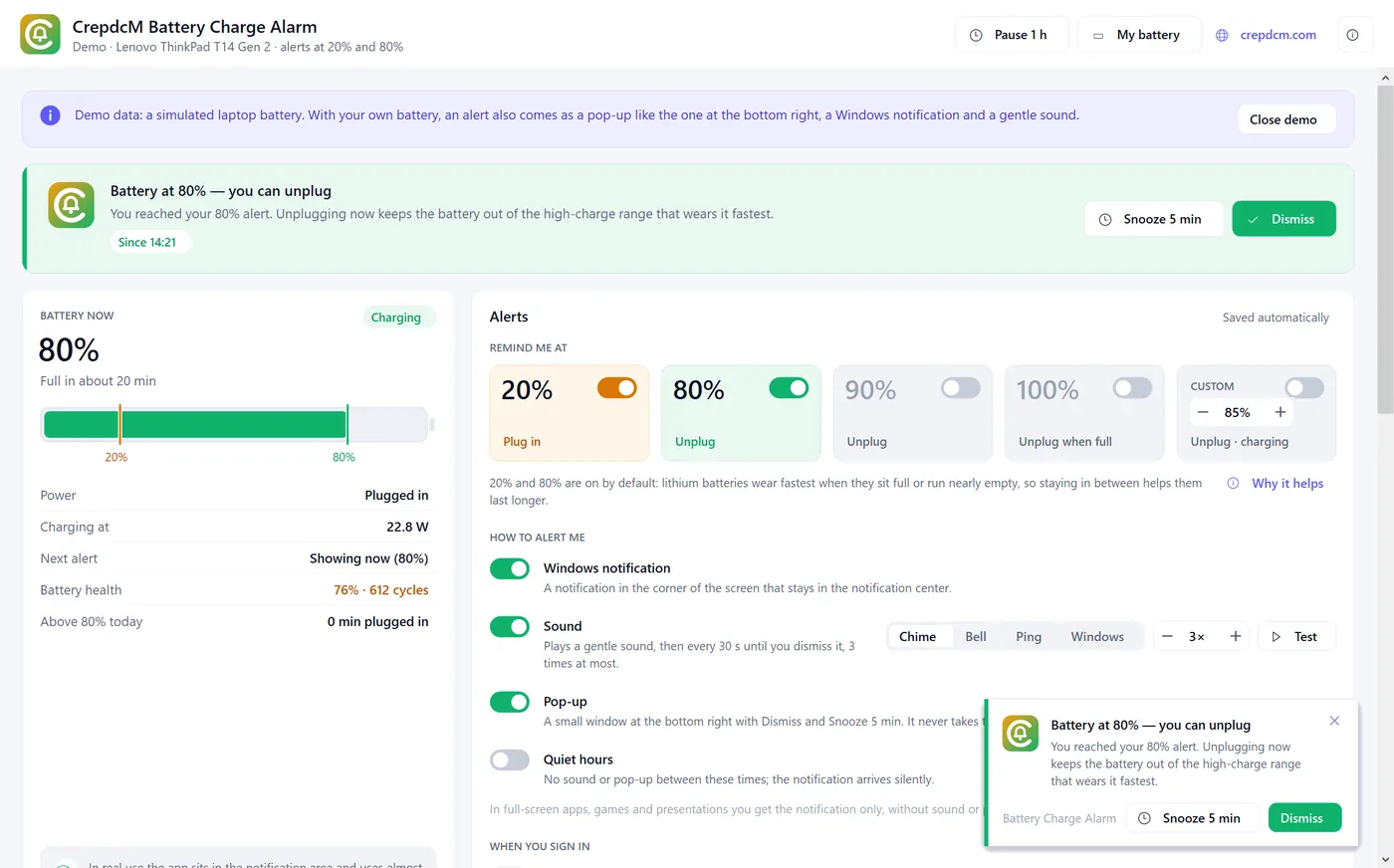
Each alert fires once when the level is crossed and closes by itself when you unplug or plug in.
A 100% alarm for laptops that stop at 99%
It also fires when Windows reports the battery as full, or when the charge stays at 99% for 10 minutes.
Sound, notification or pop-up
A gentle chime, bell or ping that repeats until you dismiss it, a Windows notification, and a small pop-up with Snooze 5 min that never steals the focus.
Quiet hours and full-screen respect
No sound or pop-up at night, in games, full-screen apps or presentations; the notification still arrives silently.
24-hour chart and charging habits
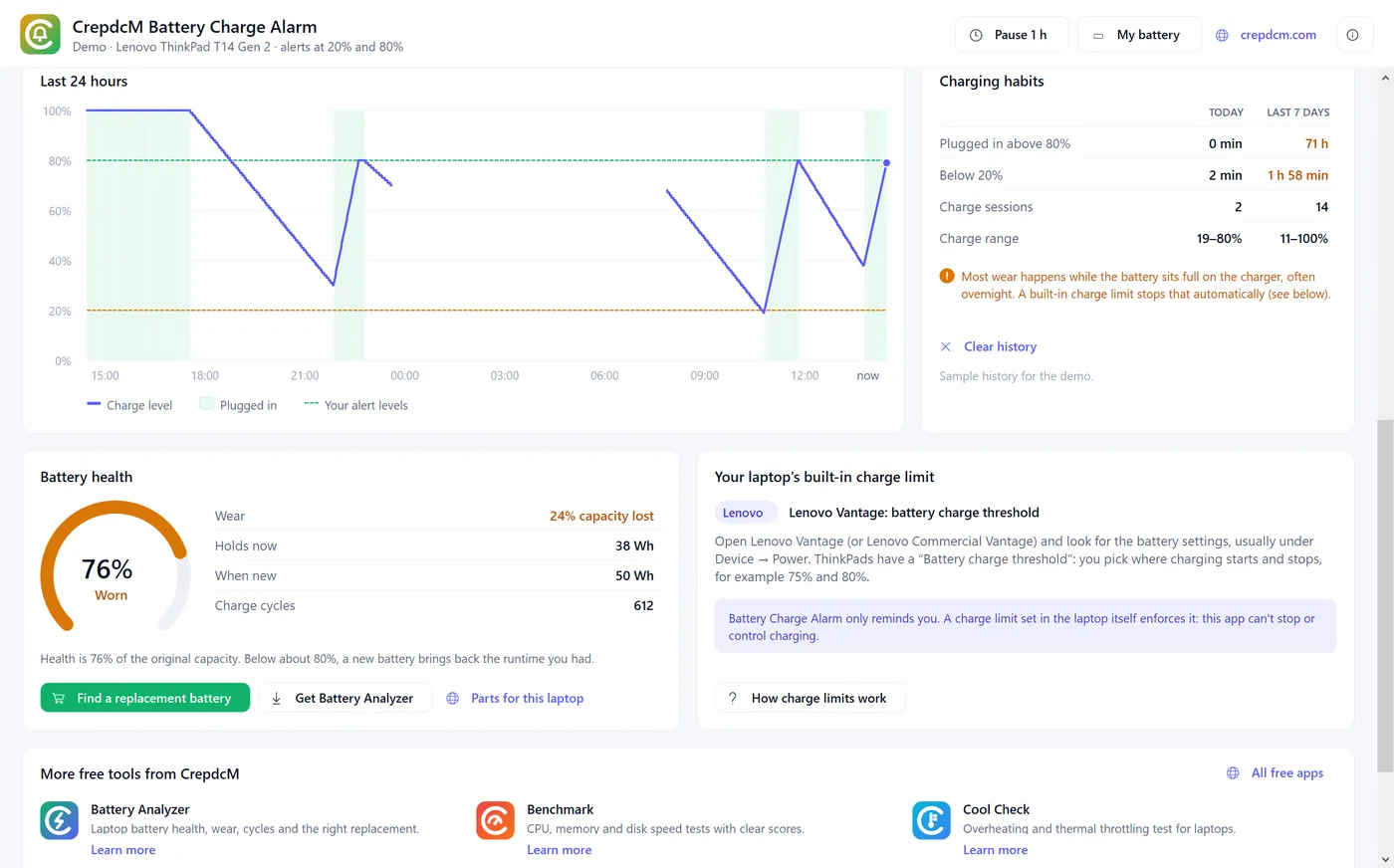
See how much time your battery spent above 80% on the charger and below 20%, today and over the last 7 days.
Battery health at a glance
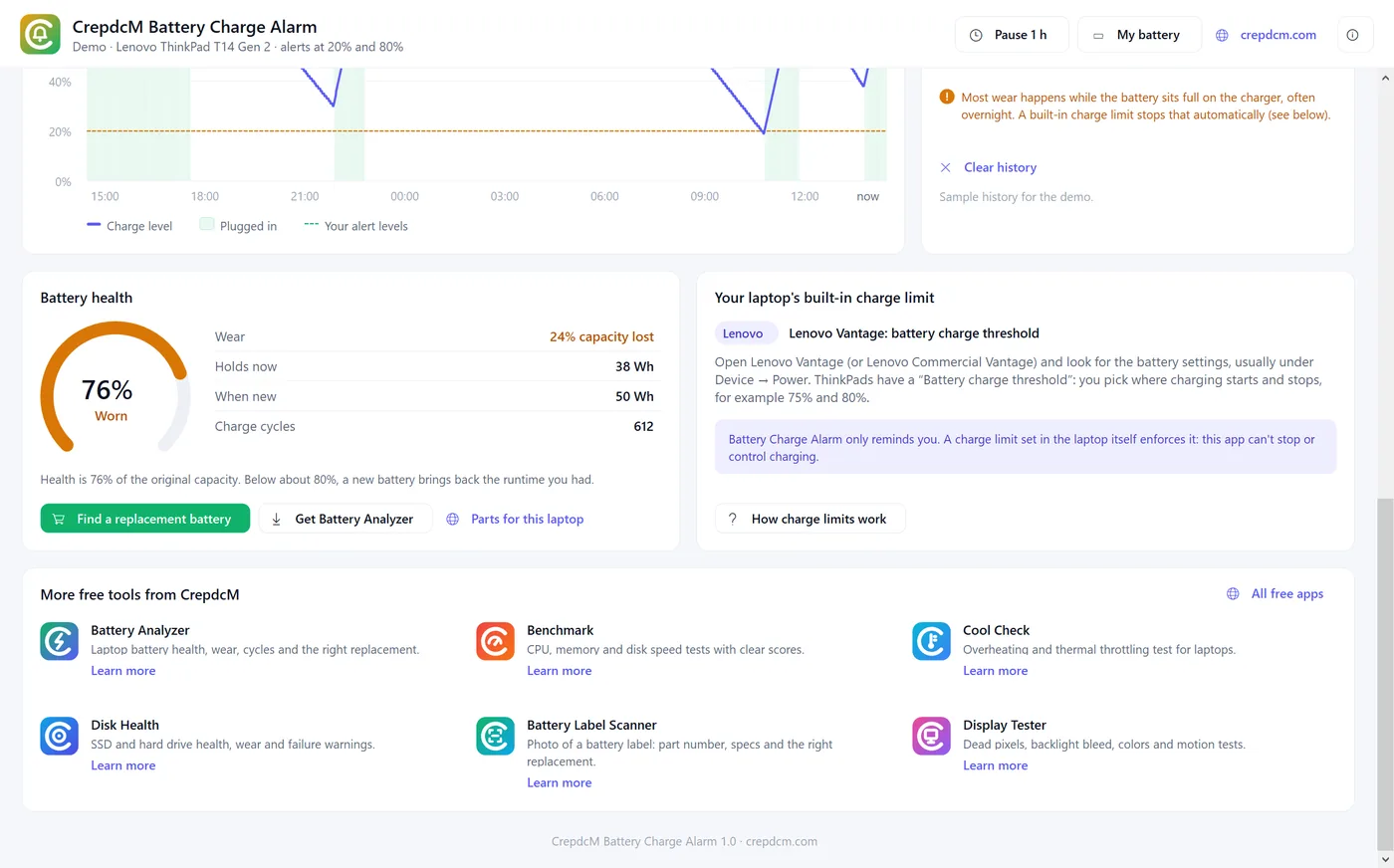
Capacity when new vs now, wear and charge cycles, with a link to a compatible replacement when the battery is worn.
Your laptop's own charge limit
Where Lenovo, Dell, HP, ASUS, Acer, MSI, Samsung, Surface and Framework hide their built-in charge-limit setting.
Screenshots
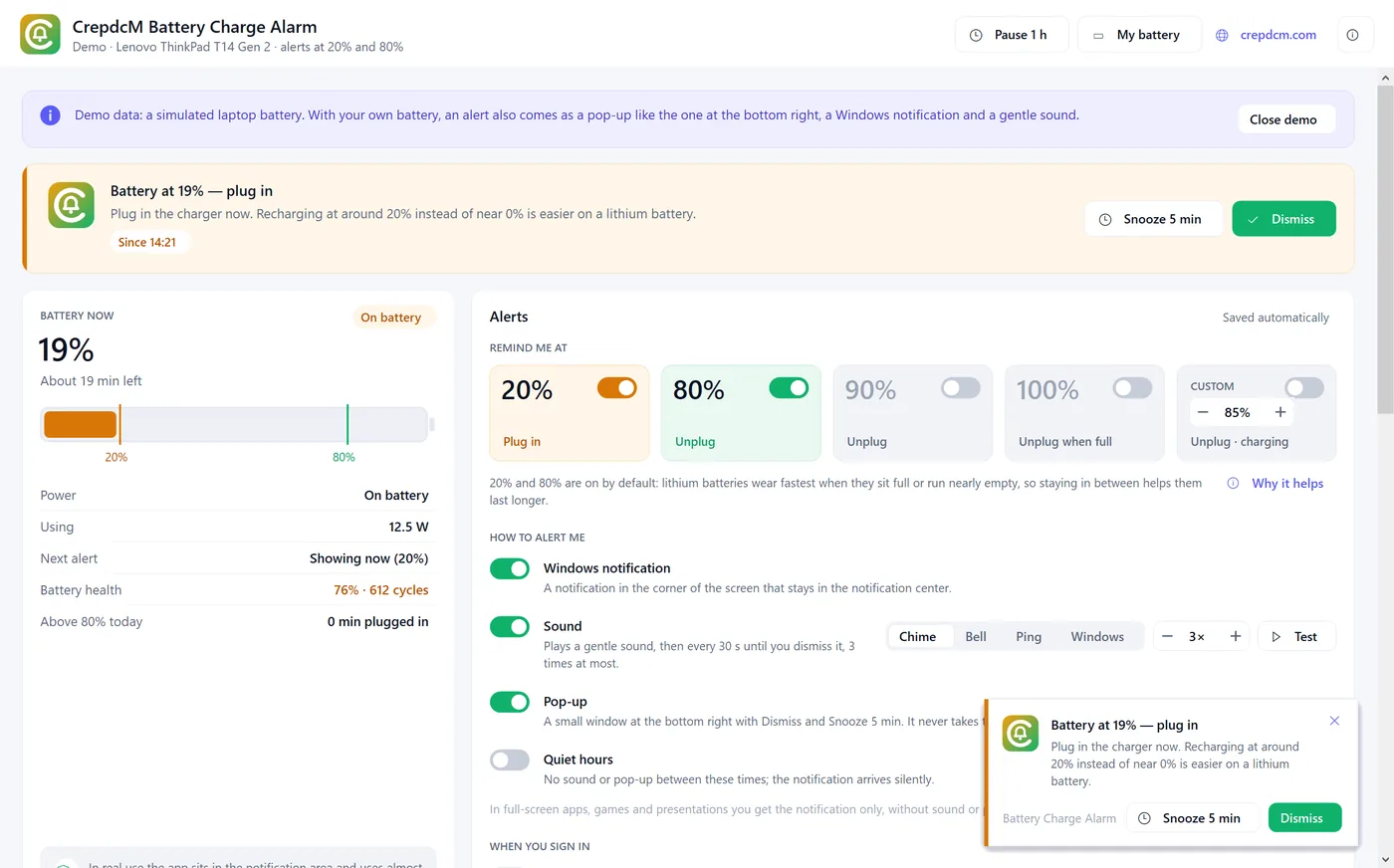
Install and pick your levels
Get CrepdcM Battery Charge Alarm free from the Microsoft Store. 20% and 80% are on by default; add 90%, 100% or a custom level and choose sound, notification or pop-up.
Let it run in the background
Close the window and the app keeps watching from the notification area, using almost no power. Turn on "Start at sign-in" so it's always there.
Unplug or plug in when it tells you
The alert closes by itself when you do. For a permanent cap, the app shows where your laptop's built-in charge limit is.
Privacy
- Everything runs and stays on your PC; there is no telemetry.
- The charge history (one value per minute) is kept on your PC for 30 days, and "Clear history" deletes it.
- No serial numbers, user or computer names are read or sent.
- Links to crepdcm.com carry only your laptop model and, for battery links, the battery part number and capacity.
- No account, no ads, no tracking.
Looking after a laptop battery?
CrepdcM is a laptop battery finder: specs, compatible part numbers and the right replacement for 100,000+ laptop models.
Frequently asked questions
Does it limit charging?
No. Battery Charge Alarm only reminds you; it can't stop or control charging. Many laptops have a built-in charge limit (for example Lenovo Conservation mode, Dell "Primarily AC use", ASUS Battery Health Charging, MSI Battery Master), and the app shows where to look for yours. A firmware limit enforces the cap; the app reminds you when there isn't one.
Why 80%?
Lithium-ion batteries age fastest when they sit at a high charge, especially at 100% on the charger for hours. Stopping at around 80% and recharging at around 20% keeps the battery in its comfortable middle range, so it keeps more of its capacity for longer. When you need the full runtime for a trip, just charge to 100% that day.
Will it bother me every few minutes?
No. Each level alerts once when it's crossed. It comes back only after the charge moves back about 3% or you plug in or unplug again. The alert closes by itself when you do the right thing, and you can snooze it for 5 minutes or pause all alerts for an hour.
My laptop never shows 100%. Will the full-battery alarm work?
Yes. The 100% alert also fires when Windows reports the battery as full while plugged in, or when the charge stays at 97–99% for 10 minutes.
Does it slow down my laptop or drain the battery?
No. It waits for Windows' own power notifications instead of checking all the time, checks once a minute as a safety net, and uses almost no processor time or memory in the background.
Does it work on a desktop PC?
Desktop PCs have no battery, so there is nothing to watch. The app says so and offers a built-in demo with a simulated laptop battery.
Is it free?
Yes: no ads, no account, no trial. Links to compatible batteries and chargers on crepdcm.com are how we keep it free.

