

 Free Windows app · coming to Microsoft Store
CrepdcM New Battery Verifier: is your new laptop battery what the seller promised?
A free Windows app that checks a replacement laptop battery in seconds. Type the capacity from the label or the listing, and the app compares it with what the battery itself reports: its real capacity, how much it holds when full, how many charge cycles it has already done, and whether its specs look genuine. You get a clear verdict and a report you can send to the seller.
Free · Windows 10 (1903+) and Windows 11 · no account, no ads
What it does
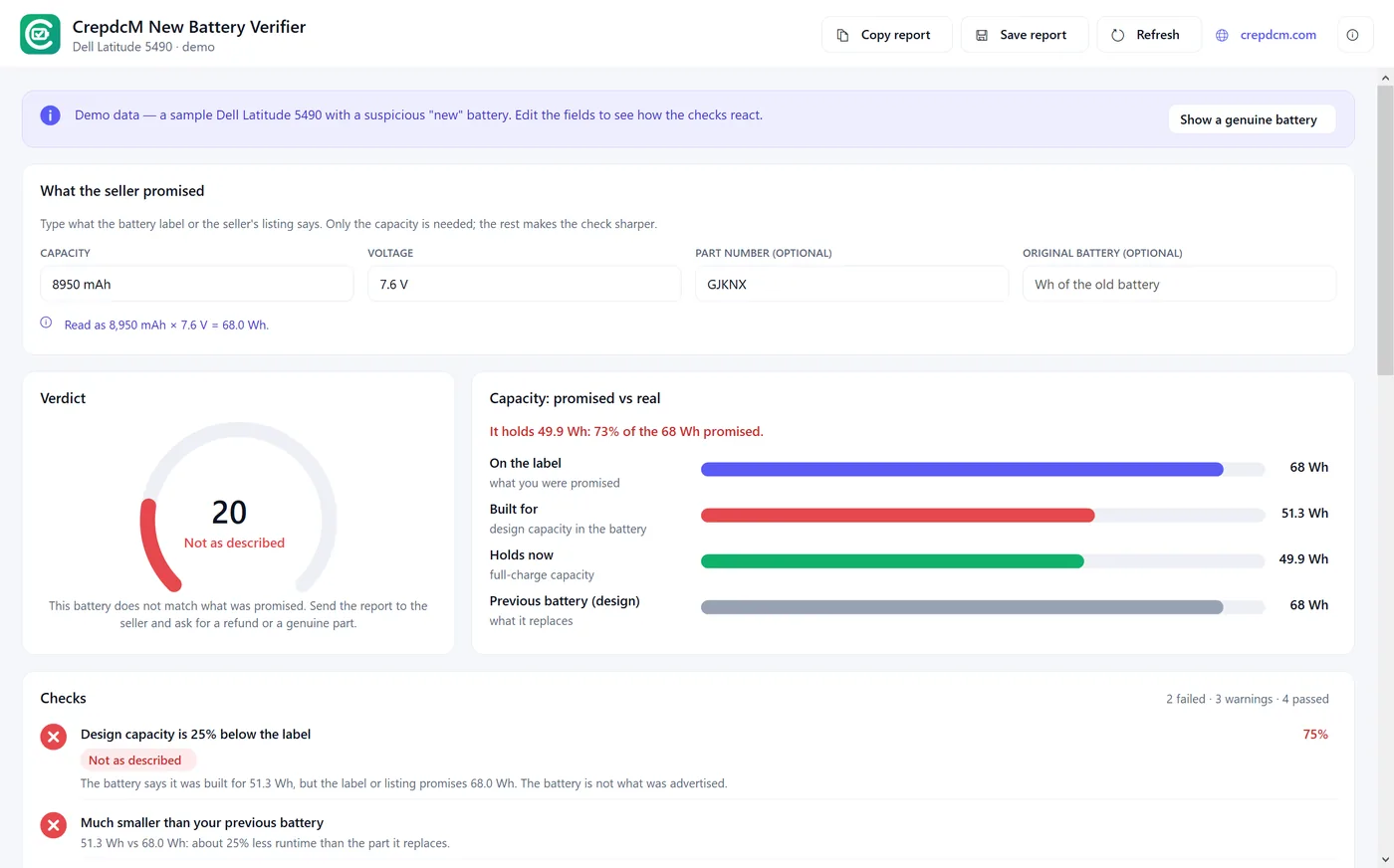
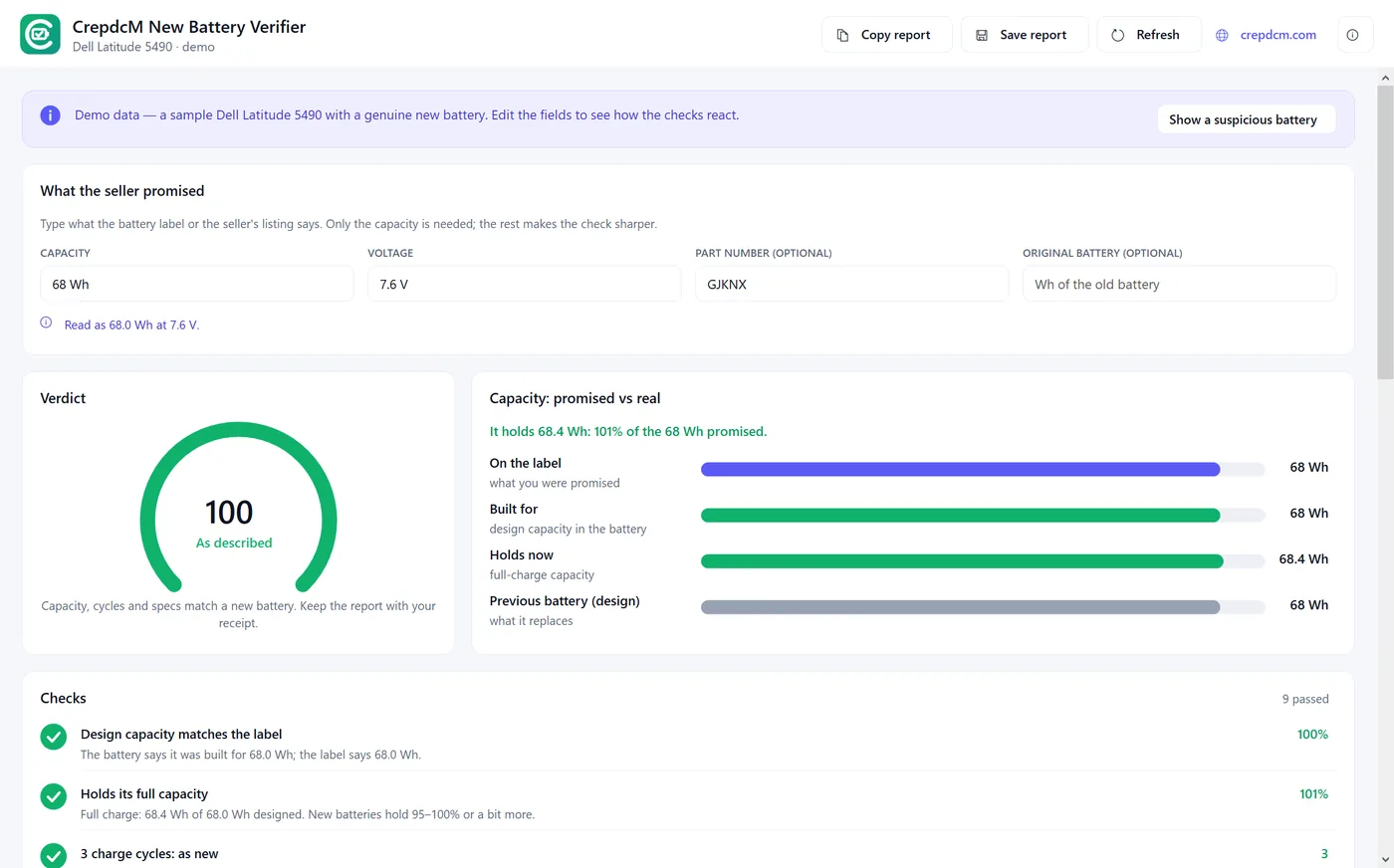
Promised vs real capacity
Compares the mAh or Wh on the label or listing with the capacity the battery was really built for, and how much it holds today.
Really new?
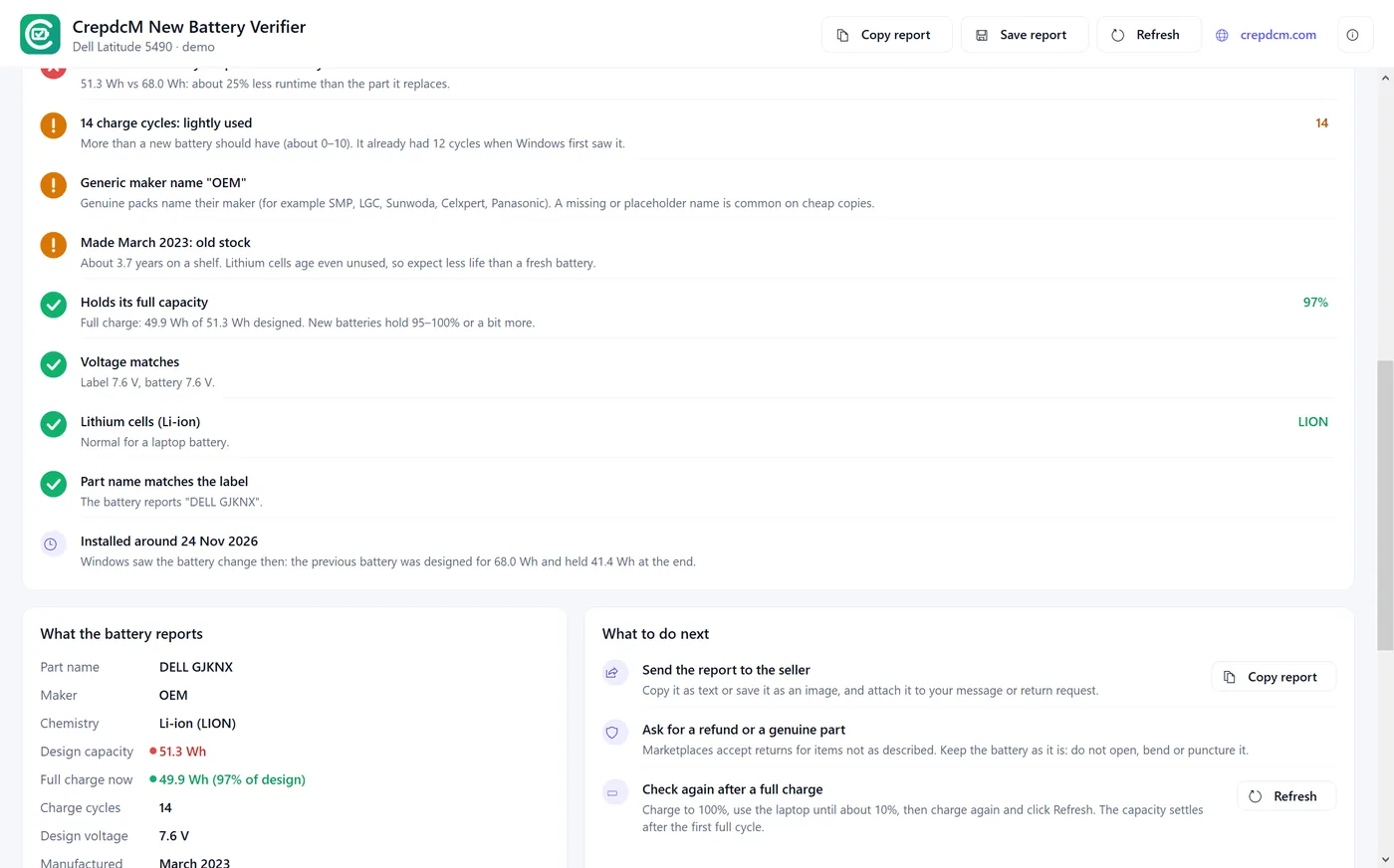
A new battery has about 0–10 charge cycles; the app shows the count and flags used or "refreshed" batteries.
Fake capacity claims
No laptop battery holds more than about 99 Wh, so a "12000 mAh" listing is caught at once.
Right battery, right voltage
A voltage that doesn't match the label means a different battery than the one advertised.
Smaller than the original?
Compares with your old battery, so a cheaper low-capacity copy can't hide.
Suspicious specs
Generic or missing maker and part names, odd cell chemistry and old stock made years ago.
Report for the seller
Copy it as text or save it as an image for your message, return request or dispute.
Private
No serial numbers, nothing uploaded, no account and no ads.
Screenshots
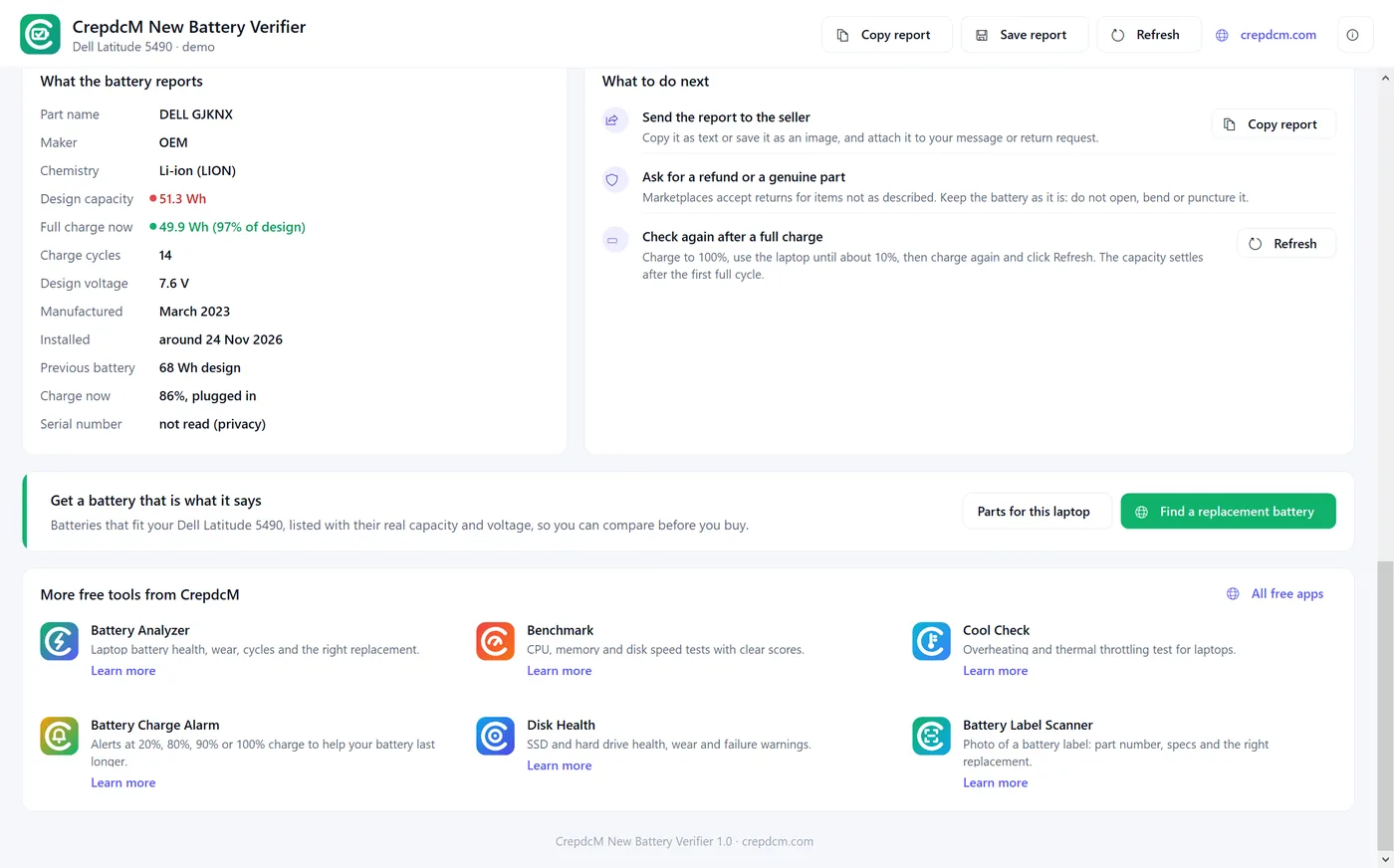
Install the new battery and start your laptop, then open CrepdcM New Battery Verifier (free from the Microsoft Store).
Type what was promised
The capacity from the label or listing (mAh or Wh), the voltage and, if you like, the part number.
Read the verdict
"Looks new and as described", "Check with the seller" or "Not as described", with every check explained and a report ready to send.
Privacy
- Everything is checked on your PC; nothing is uploaded and there is no telemetry.
- The battery's serial number is never read, and reports contain no personal data.
- Reports are saved or copied only when you click Save or Copy.
- Links to crepdcm.com carry only your laptop model and the battery's part number and capacity.
- No account, no ads, no tracking.
Looking after a laptop battery?
CrepdcM is a laptop battery finder: specs, compatible part numbers and the right replacement for 100,000+ laptop models.
Frequently asked questions
How can a battery claim more capacity than it has?
Some sellers print or list inflated numbers, such as "9000 mAh" on a battery that holds far less. The battery's own electronics still report what it was built for, and the app compares the two.
Why does mAh need a voltage?
mAh measures charge, not energy. The same 4400 mAh is 33 Wh at 7.6 V but 50 Wh at 11.4 V. The app converts mAh to Wh with the voltage from the label (or the battery's own voltage), so listings can be compared fairly.
How many charge cycles should a new battery have?
About 0–10, from factory testing and your first charges. 11–30 suggests a lightly used or returned battery, and more than 30 means it has been used. Some laptops don't report the cycle count; the capacity checks still apply.
My new battery shows 92% capacity. Is it faulty?
Not necessarily. Charge it to 100%, use the laptop until about 10%, charge it again and check once more. New batteries usually settle at 95–100% or slightly above. If it stays lower, ask the seller.
Can a fake battery fool the app?
A clone can be programmed to report false values, so the app is a strong first check, not a lab test. Many fakes give themselves away anyway: wrong capacity, generic names, odd chemistry or a high cycle count. A runtime that is much shorter than expected is the final proof.
Does it work on a desktop PC?
Desktop PCs have no laptop battery, so there is nothing to check. The app says so and offers a demo with a sample laptop.
Is it free?
Yes: no ads, no account, no trial. Links to compatible batteries on crepdcm.com are how we keep it free.

